CMDB Module
The CMDB module lets you manage CIs via both the desktop client and ChangeGear Web. A CI is any item your organization maintains or tracks. In the CMDB module, you can perform the following tasks:
-
Create, edit, and delete CIs
-
Select resource views
-
Manage the status of a CI (unclassified, managed, unmanaged)
-
Set up, maintain, and view CI dependencies
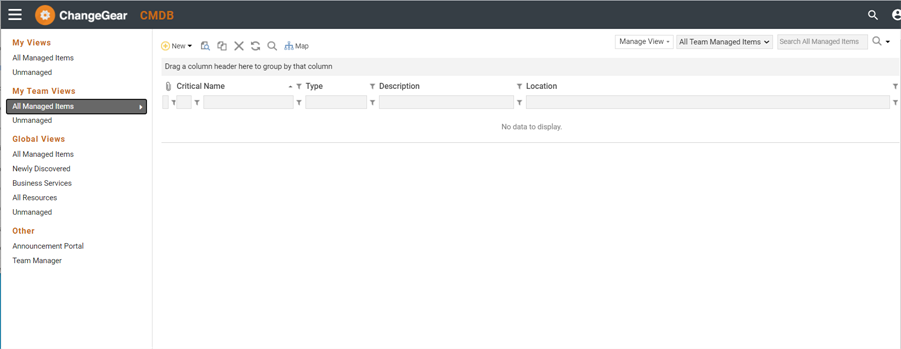
The CI catalog lets you select, open, and review CIs. The view you select determines which CIs are displayed. You can select predefined views to display specific CIs. You can also customize the list by displaying and hiding its columns, grouping them, or filtering them.
The CI Views group menu complements the Views drop-down list in the ChangeGear toolbar. It provides several predefined resource views you can use to search through the database of CIs. For instance, you can select Servers in the Types tab and the grid will display only servers.
The Tasks group menu lets you perform tasks such as discovering CIs, viewing CI dependencies, and creating RFCs.
The Tools group menu provides a link for displaying the Managed Resource Viewer. This lets you view hierarchical dependencies between resources. For example, a data center resource can support dozens of routers and switches. Each router/switch combination can also support hundreds of client-side applications.