Overview of Using the SLA Manager
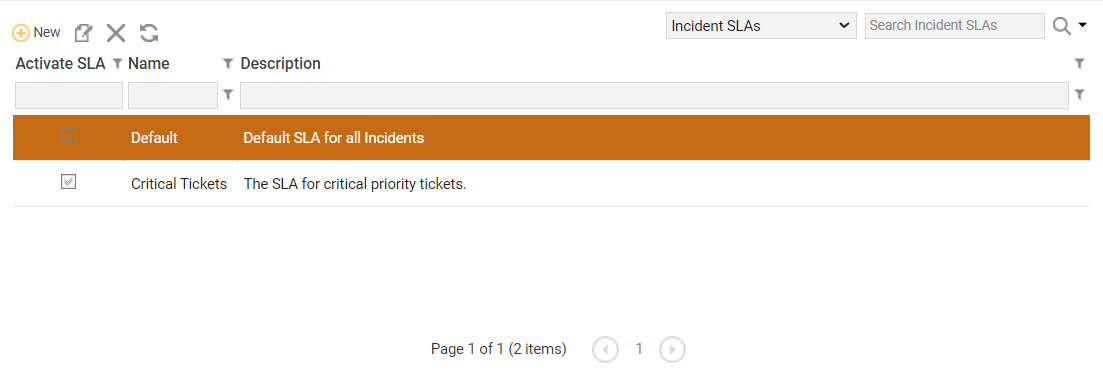
The SLA Manager lets you create, edit, delete, or activate Service Level Agreements (SLAs) for a particular ticket module. In this context, an SLA is an automated processes that notifies users via e-mail when a ticket associated with the SLA enters into an escalation stage. SLAs in this context do not refer to SLAs used with the Configuration Management Database (CMDB) or to SLAs used with Service Items from the Service Catalog.
The SLA Manager is found in the Other menu in the Incident and Change modules. If you do not have access to the SLA Manager, check with your ChangeGear administrator to ensure that SLAs have been enabled.
You are able to use the grid's filtering and sorting options as well. See Using the Grid for more information.
Note: Only users in the Administrator role can access the SLA Manager module.
See also: